

- I want to find out the cause and solve it myself
- I want to know where to consult
- I want to convey all problems and improvement requests at once.
1. Read the guide first
The basic usage and settings of Sanka are explained in detail in the guide article below. Or use the search bar in the document to search for what you want to know by keyword. Search bar position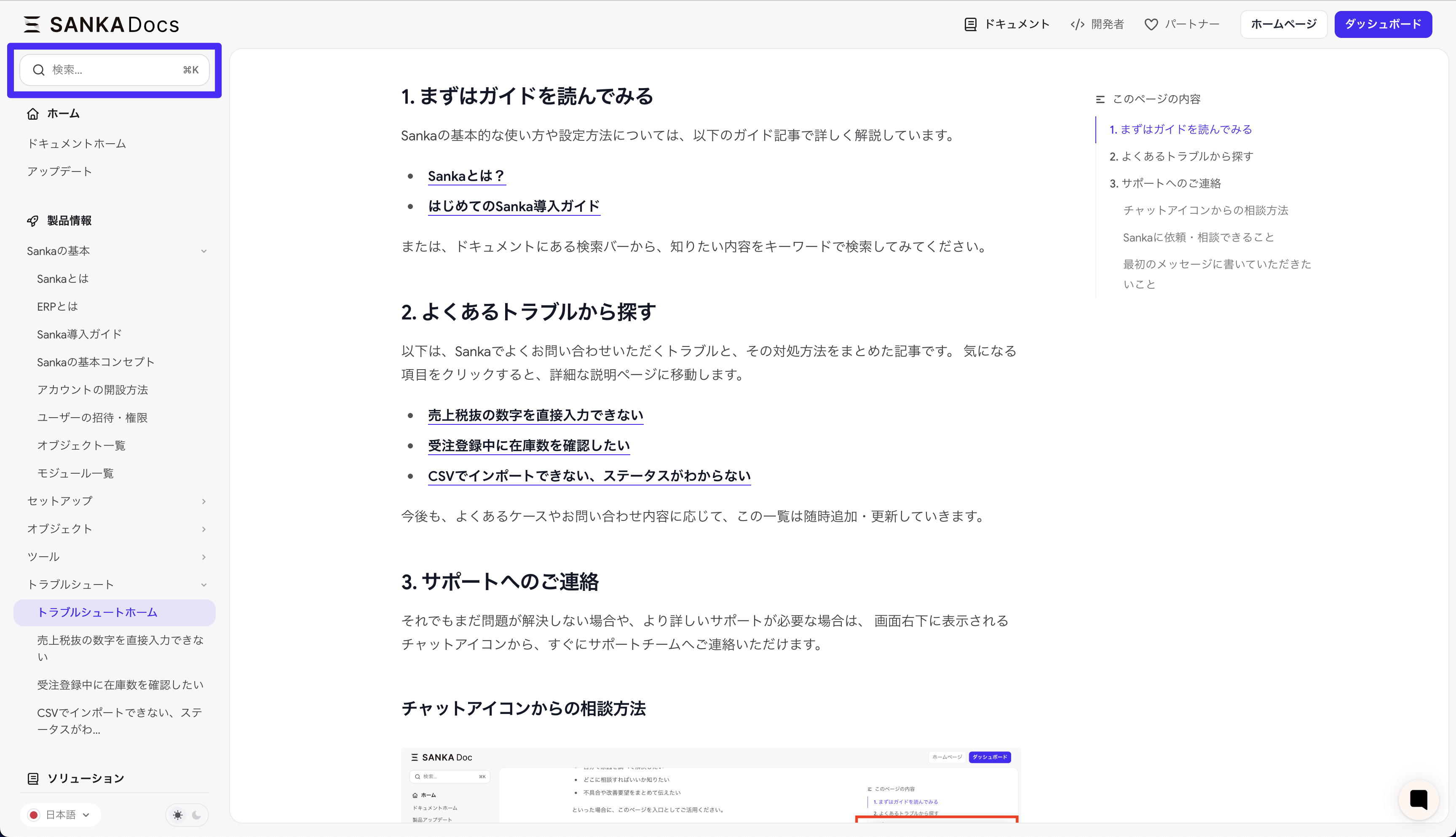
2. Search from common problems
Below is an article that summarizes frequently asked questions about Sanka and how to deal with them. Click on the item you are interested in and you will be redirected to a detailed explanation page.- Unable to directly enter figures excluding sales tax
- I want to check the stock quantity while registering an order.
- Can’t import with CSV, status is unknown
3. Contact support
If you are still having trouble or need further assistance, please contact You can immediately contact our support team by clicking the chat icon in the bottom right corner of your screen.How to record when there is a bug
You can record your screen by clicking the chat icon or Screen Recording from the app’s header menu. After recording is complete, paste the URL into the chat widget and send. Watch the video below to learn how.How to consult from the chat icon
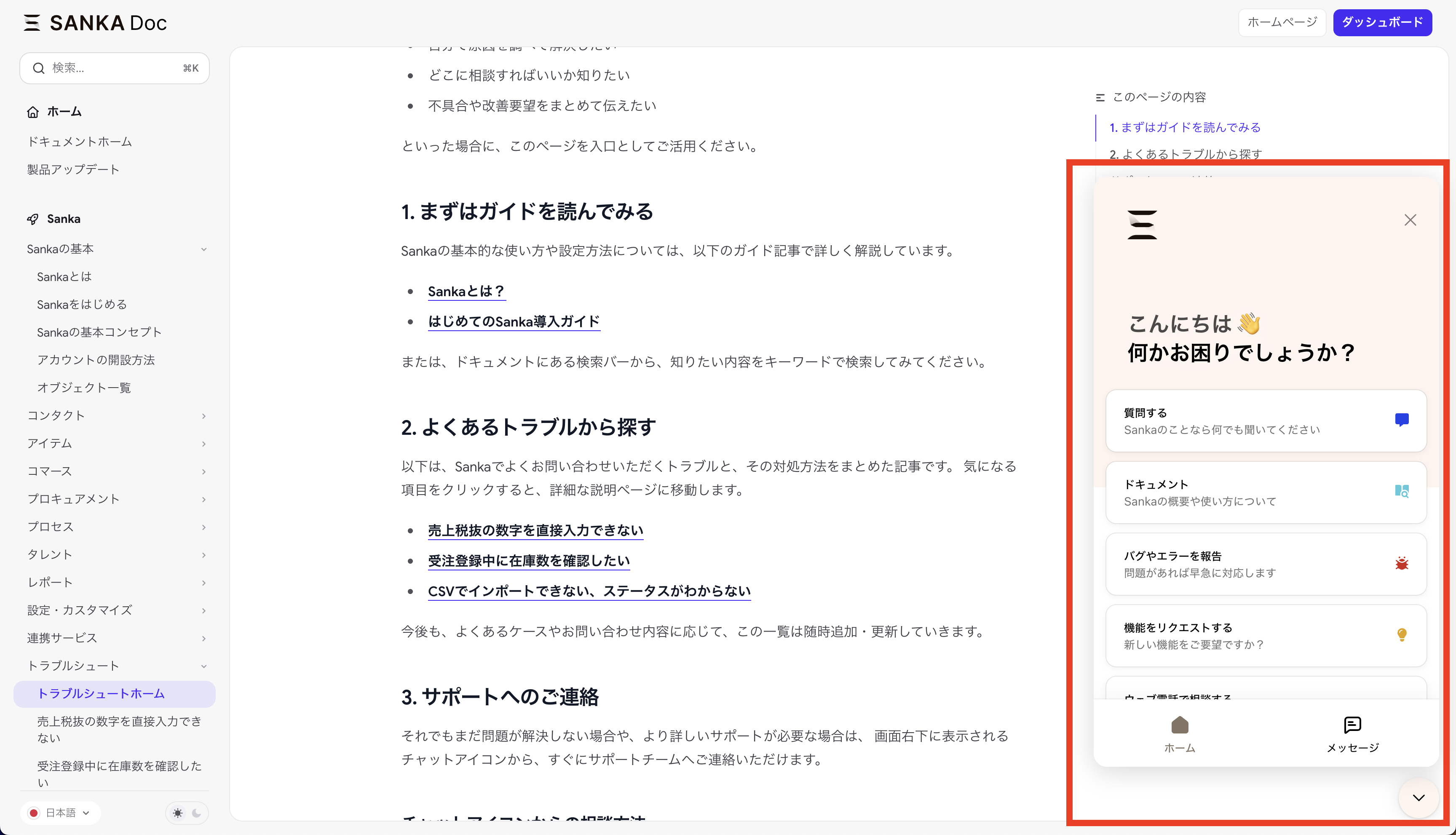
- Click the chat icon (speech bubble/chat-like mark) at the bottom right of the Sanka screen.
- A chat window will open on your screen.
- Simply type and send your message to begin a conversation with our support team.
What you can request/consult with Sanka about
From the chat widget, you can discuss the following topics:- Report a bug You can report problems such as errors, screen behavior strange, buttons not responding, etc.
- Request new features Please send us improvements and requests such as “It would be useful to have this kind of function” or “I would like to be able to perform this kind of operation on this screen.”
- Request for demo/operation lecture You can also request a demo or lecture if you would like a lecture on how to use Sanka or if you would like to see how to set it up together.
What you should write in your first message
To help us guide you more smoothly, please include the following information to the extent possible.- Which screen/function are you having trouble with? (You can record or attach screenshots with the chat widget)
- Flow of operations performed (be as specific as possible)
- Contents of error messages and behavior you are concerned about
- How long has it been occurring and how often?
When a problem occurs, first check the relevant article from this troubleshooting homepage, If you have any problems, please feel free to contact us using the chat icon. The Sanka team will help you solve problems and improve your business.