

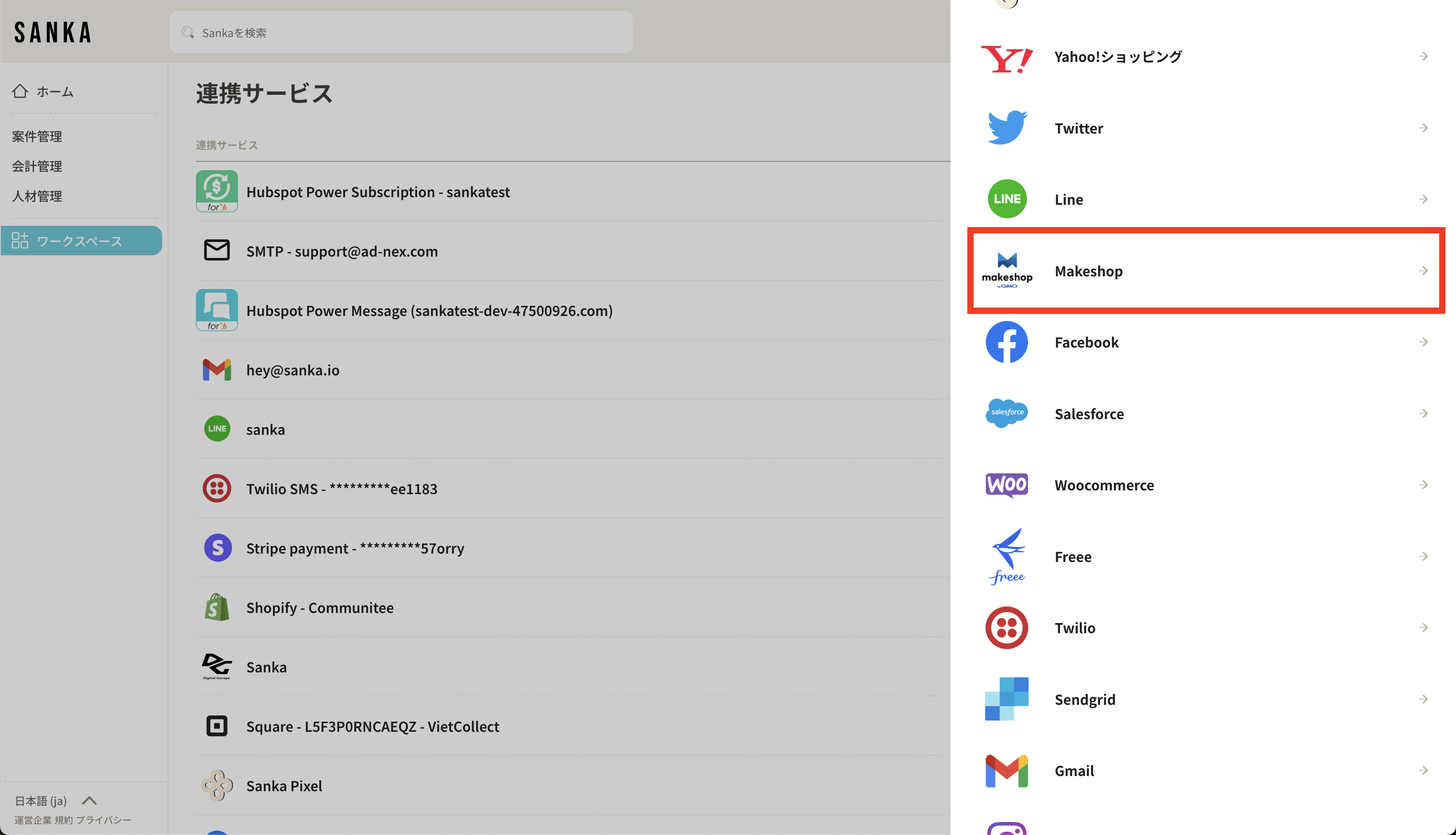
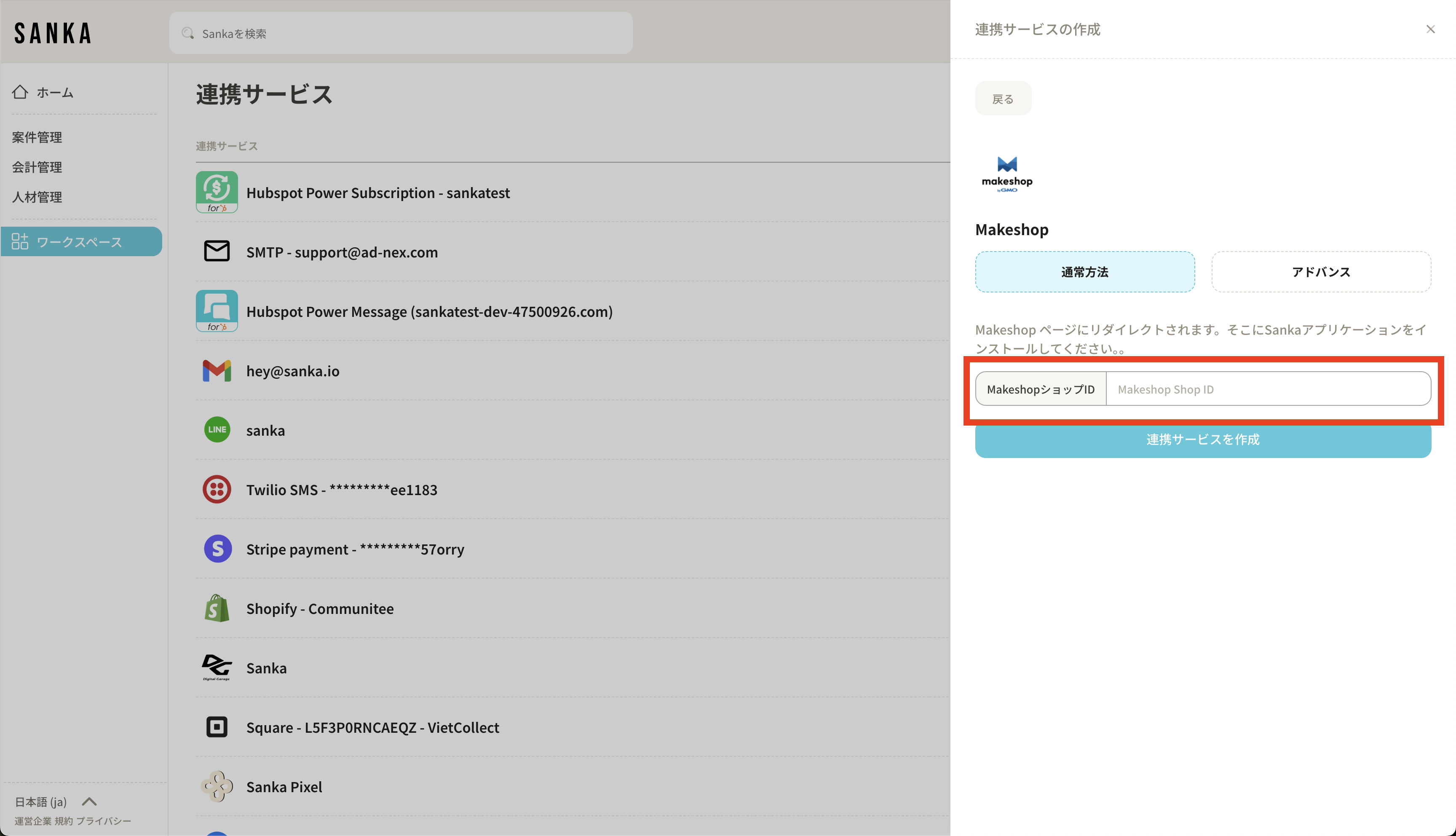
 There is an input field for “Shop ID”. Please enter the shop ID used to log in to Makeshop here
 **When you log in to Makeshop, select Sanka and install it. **
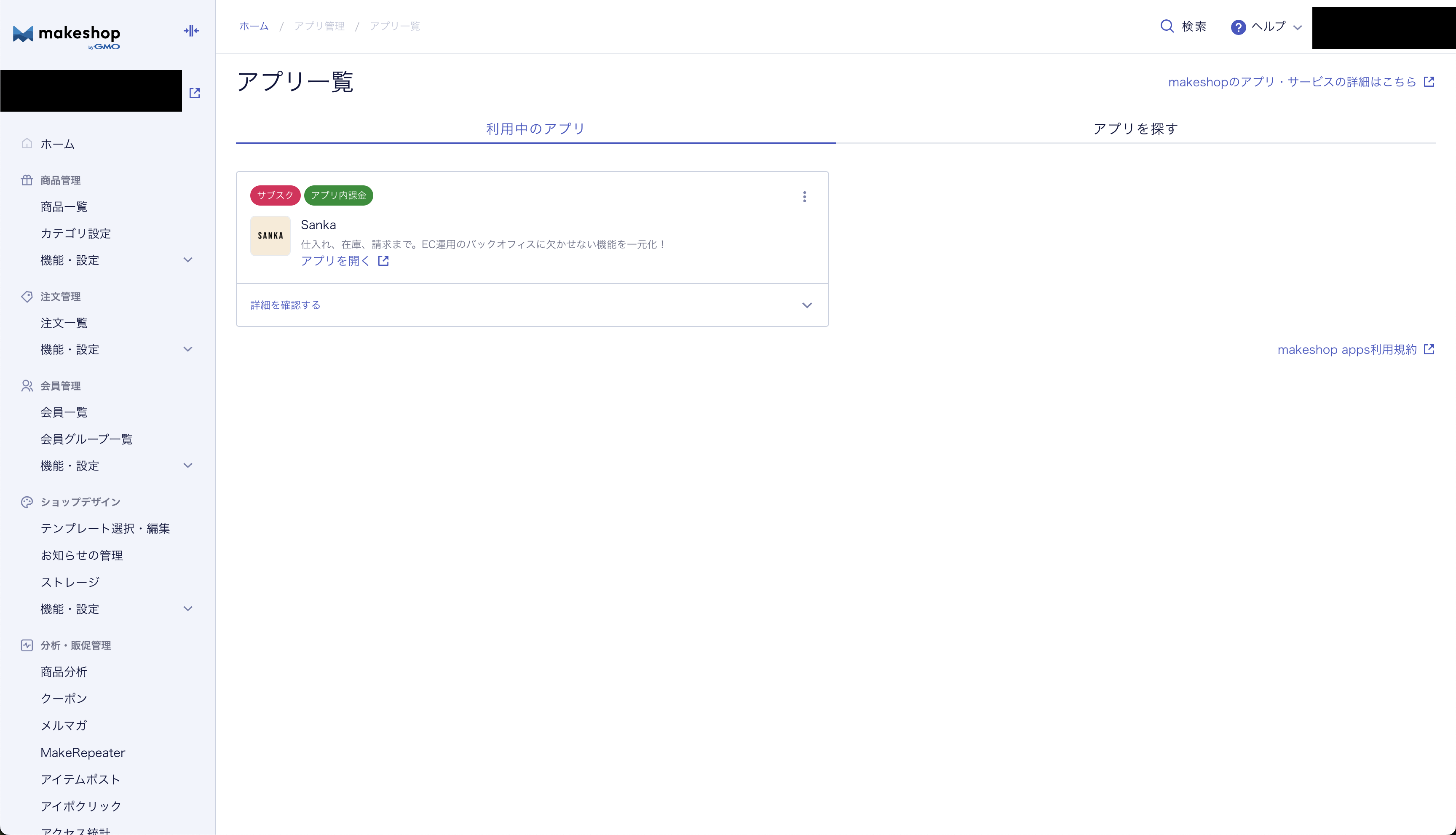 **This completes the linkage. Once the integration is complete, you can import your products and order information into Sanka or export them to Makeshop. **