overview
This page explains how to import HubSpot transactions into Sanka orders. If you haven’t integrated HubSpot yet, check out How to connect HubSpot and Sanka first.procedure
-
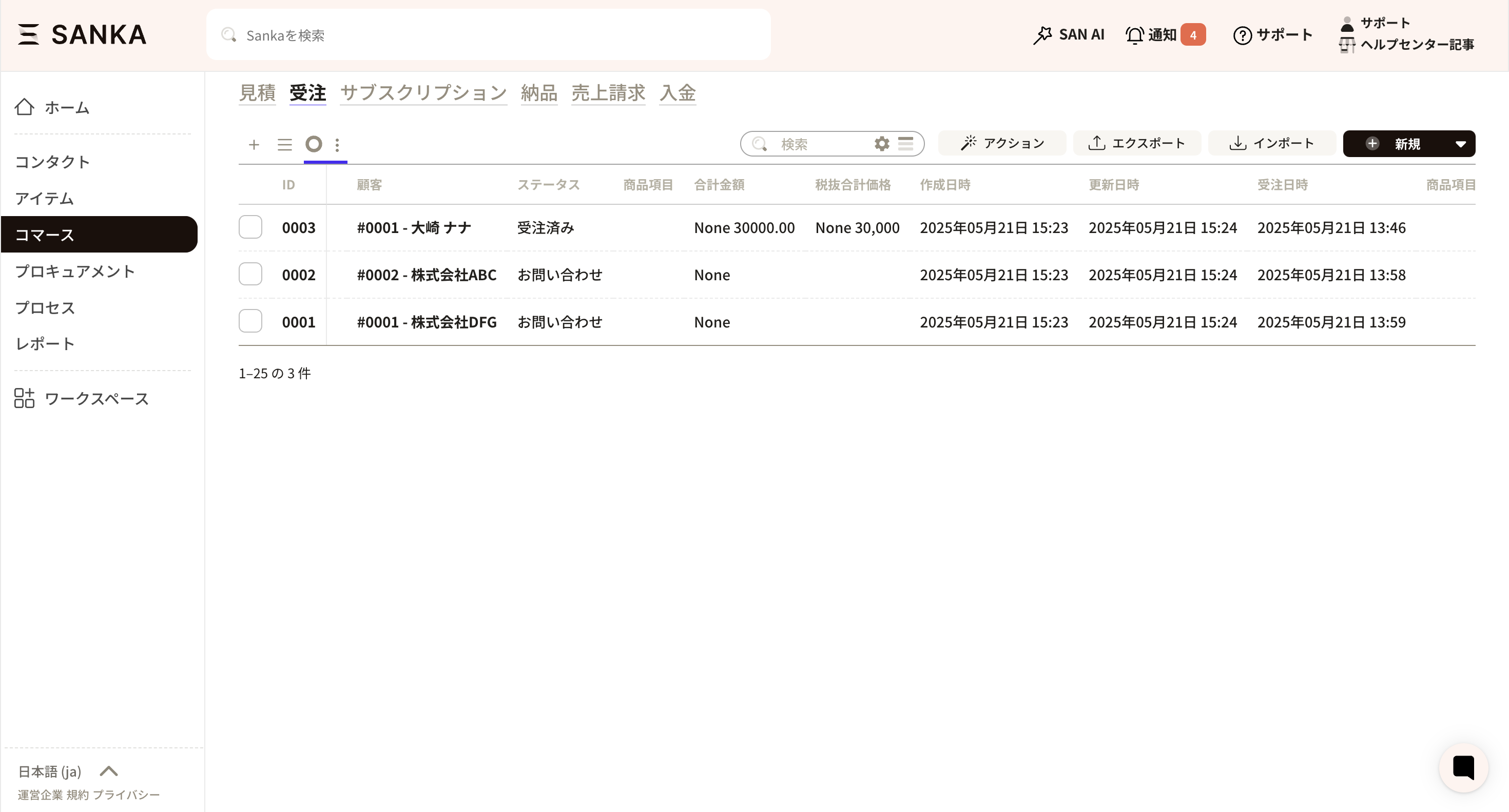
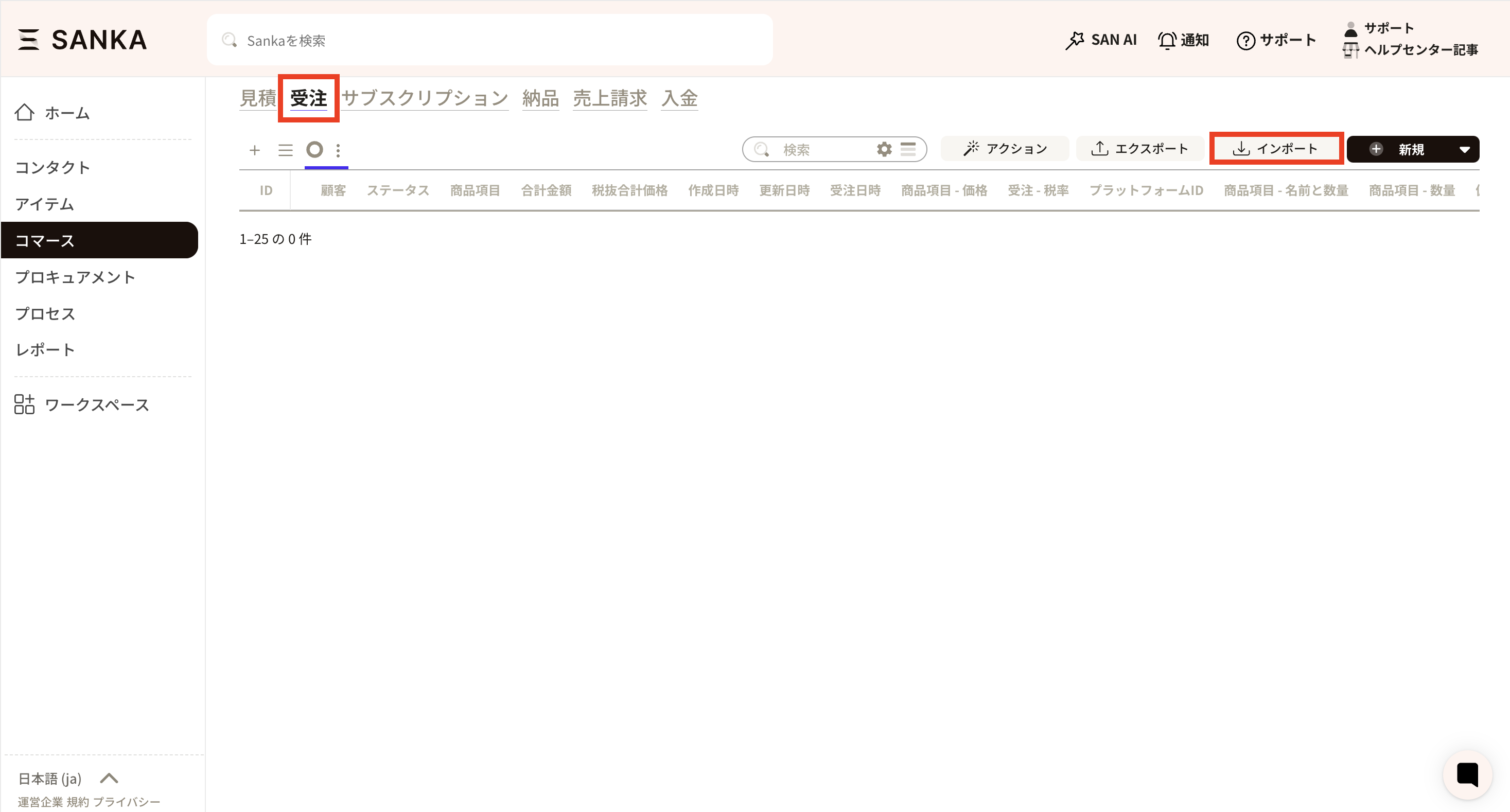
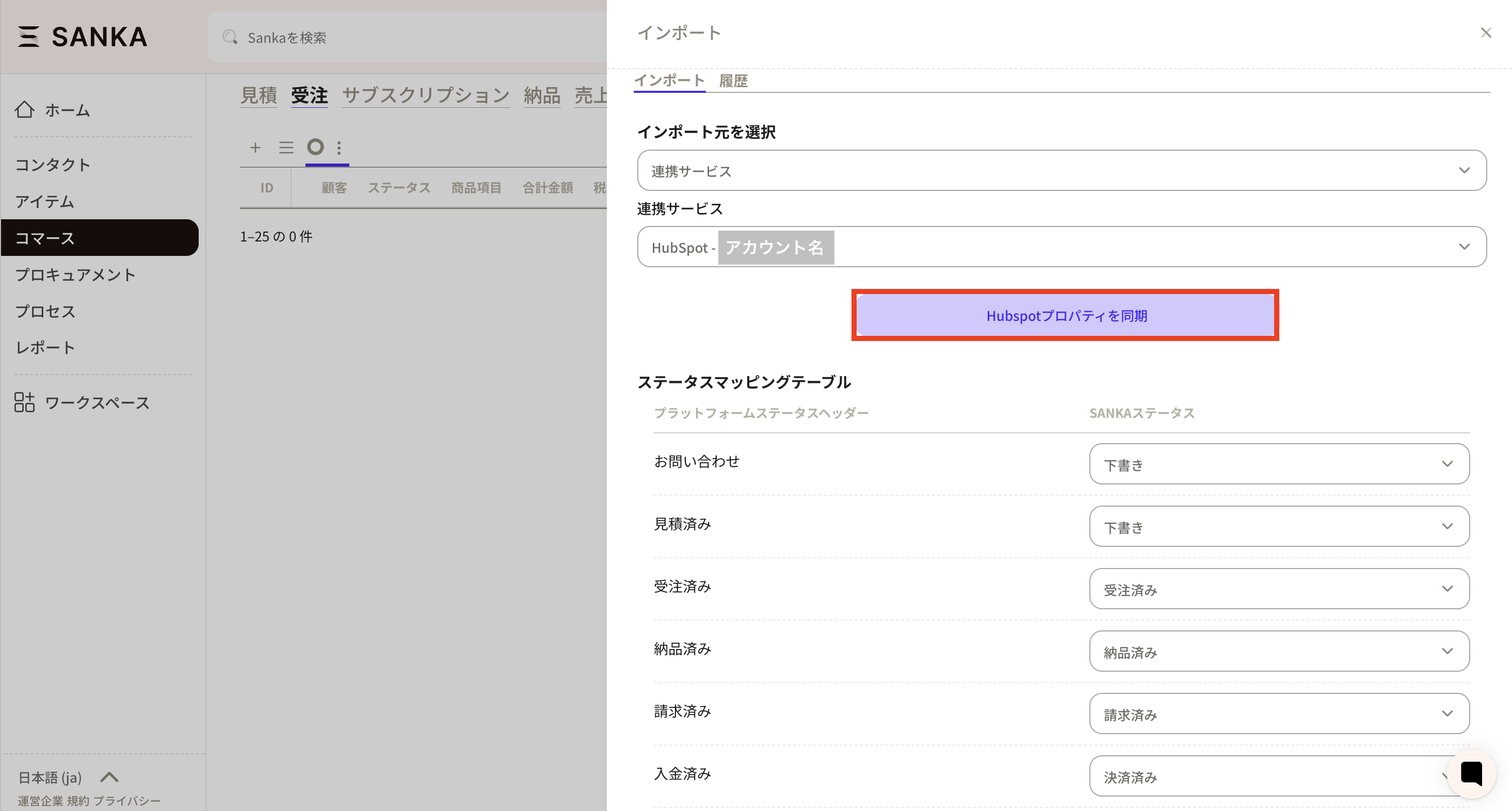
Open the Sanka Orders object and click Import.
-
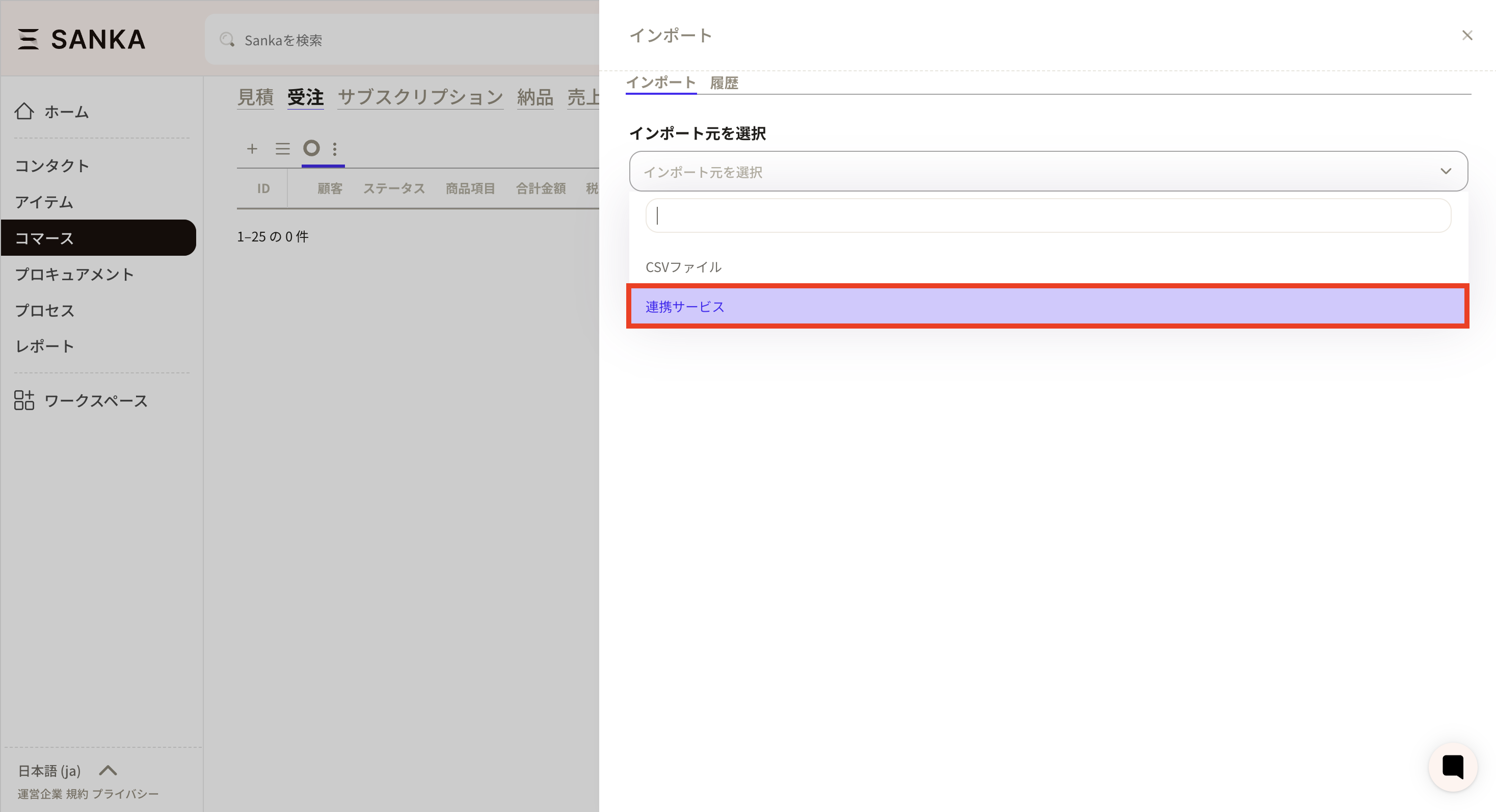
On the import screen, select Linked service as the import source.
-
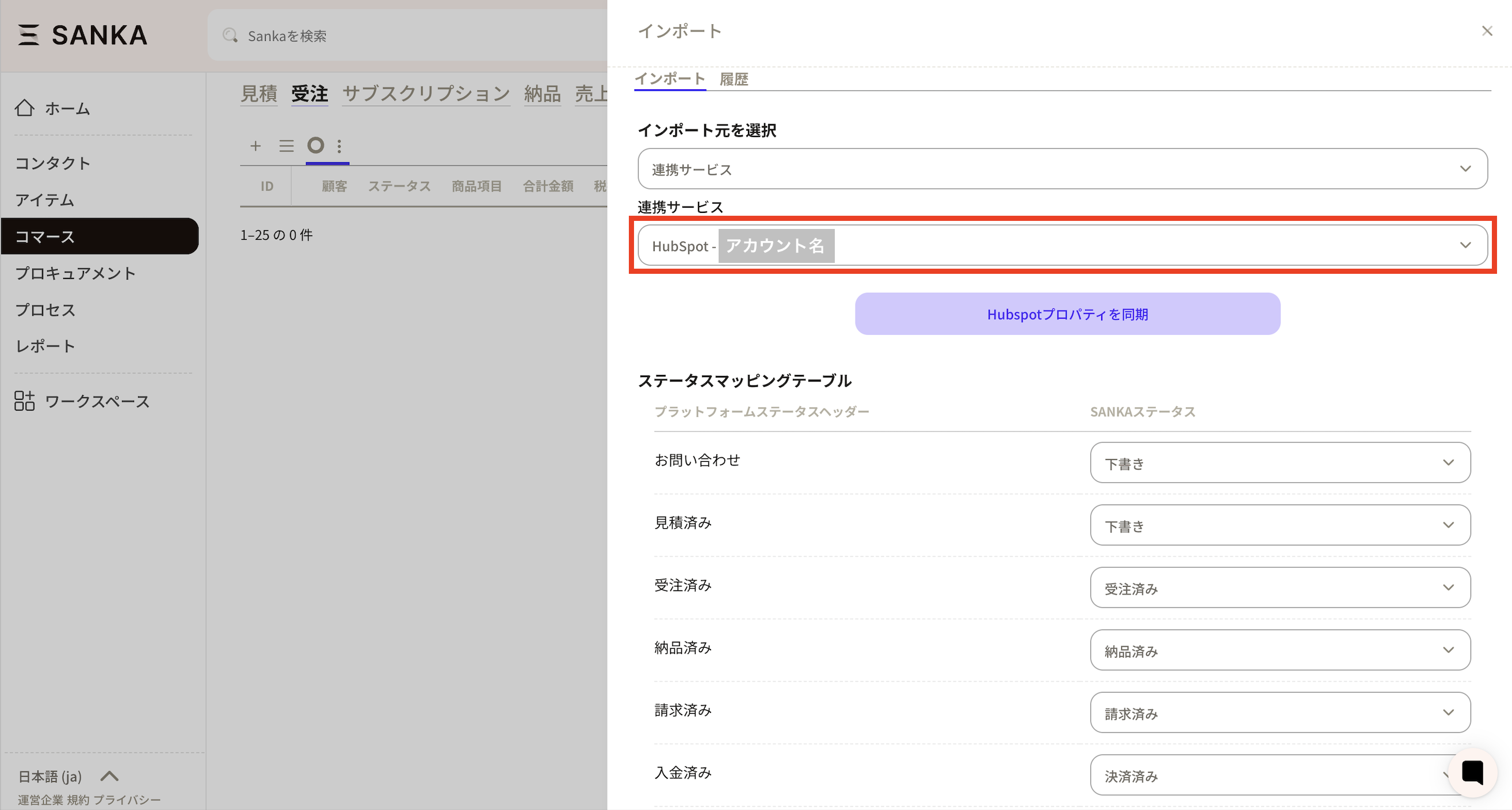
Select your HubSpot account under Integration Services.
-
Click Sync HubSpot Properties to map the properties.
Map properties in your HubSpot deal to order properties in Sanka. We recommend that you limit the items to be synchronized to only the information that is necessary according to your business flow.
- If Sanka does not have a property, you can create a new one on the spot.
- Items that you do not want to import can be checked in the Exclusion column to prevent synchronization.
- If you save the mapping, you only need to do this the first time.
-
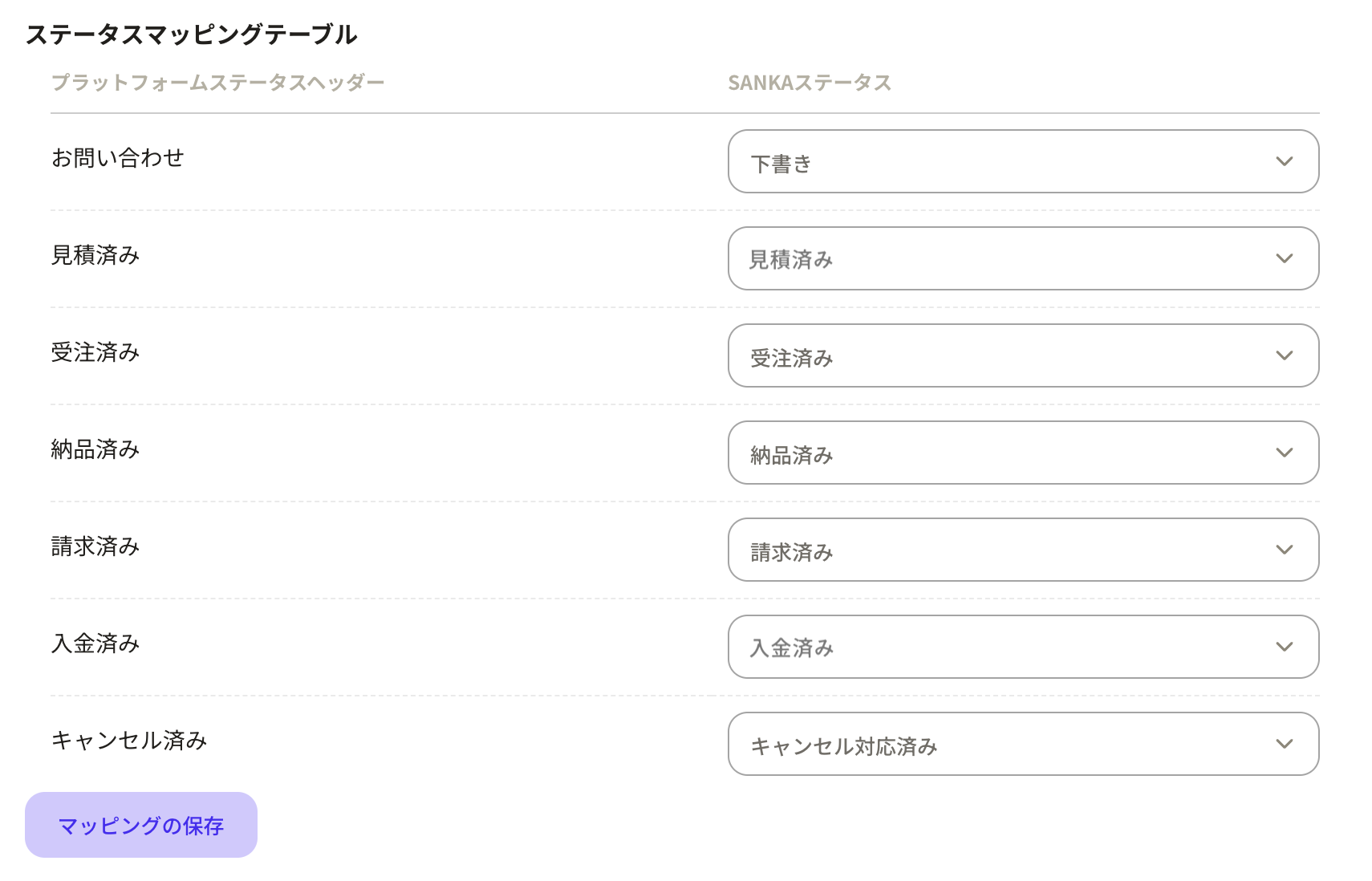
If you want to operate only with existing properties on the Sanka side, match the Status Mapping.
Map deal stages in HubSpot to order statuses in Sanka to align status recognition in both systems.
-
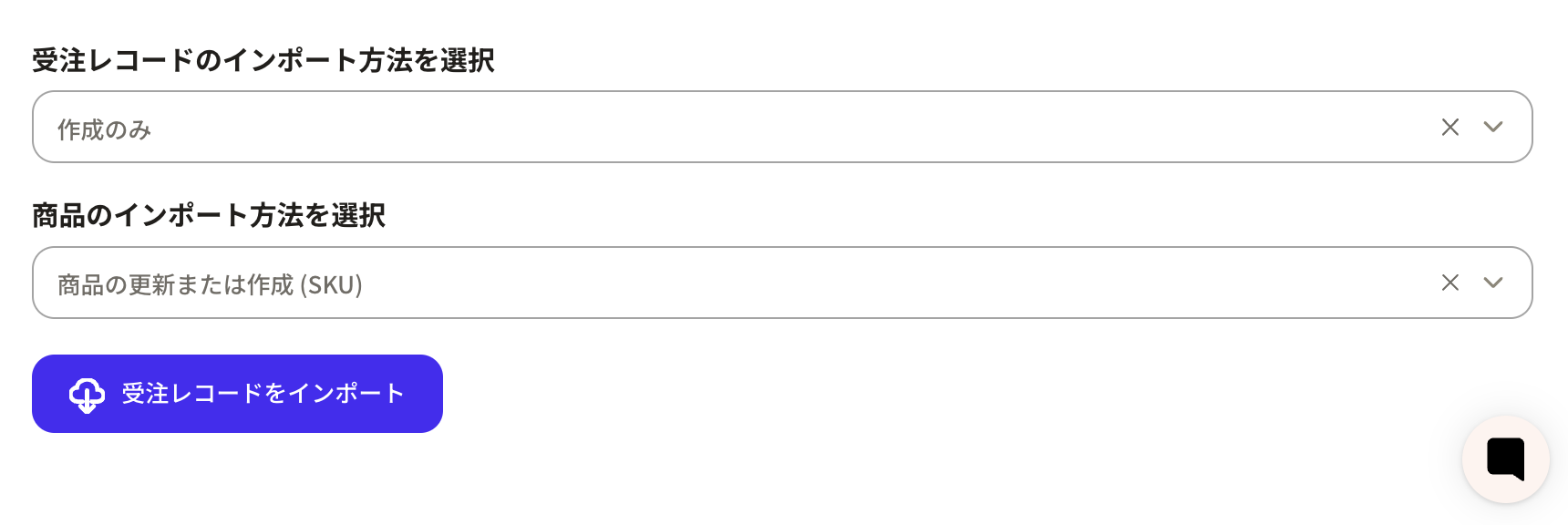
Select Create Only for “How to import order records.”
If you want to update or “update and create” from next time onwards, please select according to the situation.
-
Click Create to import the transaction.