Module Shortcut Keys
Have you ever felt, in your daily work, “I want to quickly access that module, but there are too many clicks and it is cumbersome…”? By using Sanka’s keyboard shortcut function, you can free yourself from such inconvenience.- For example, simply press h to go to the home screen
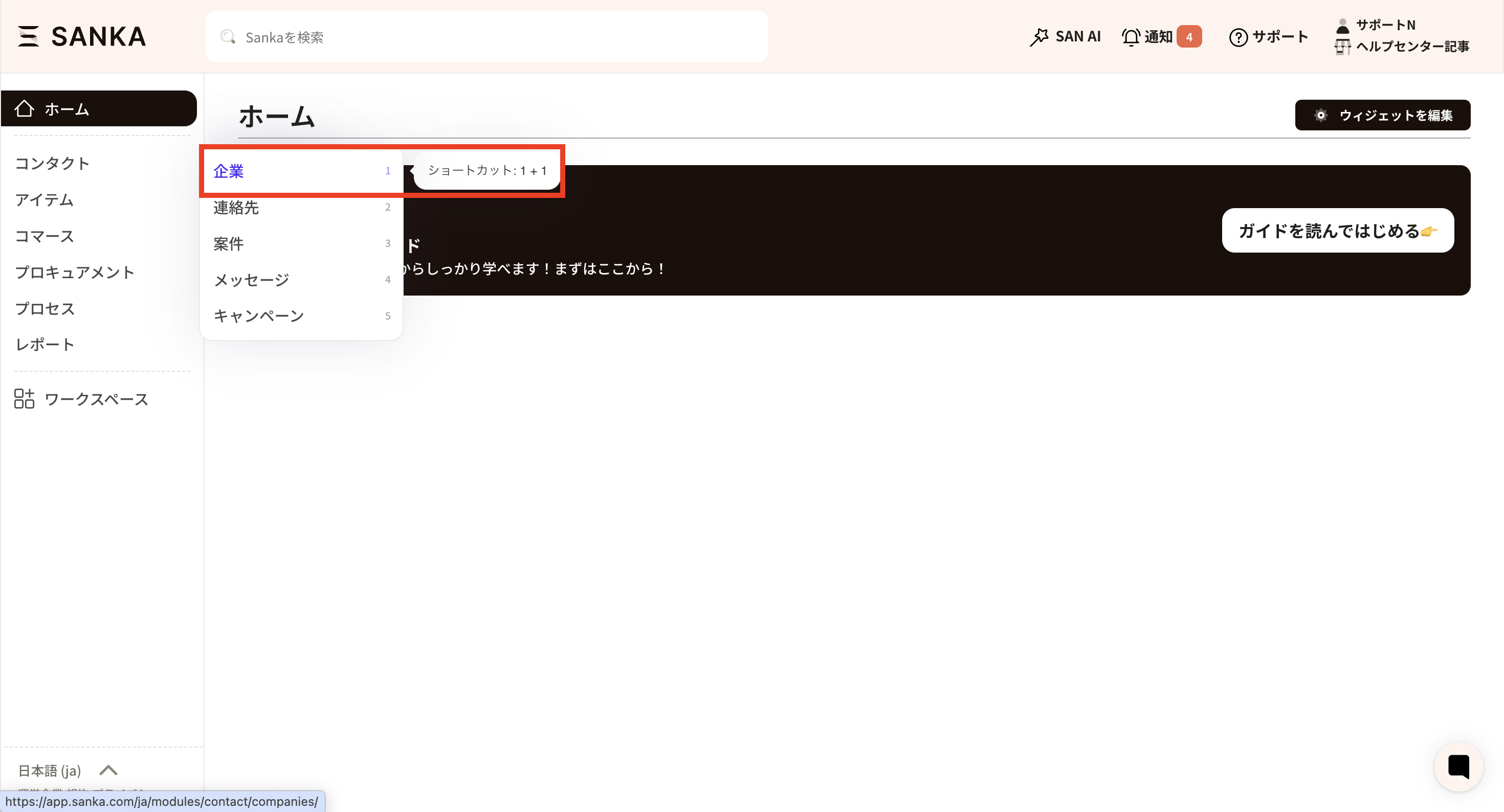
- You can jump to a specific module using shortcut codes, such as 1-1
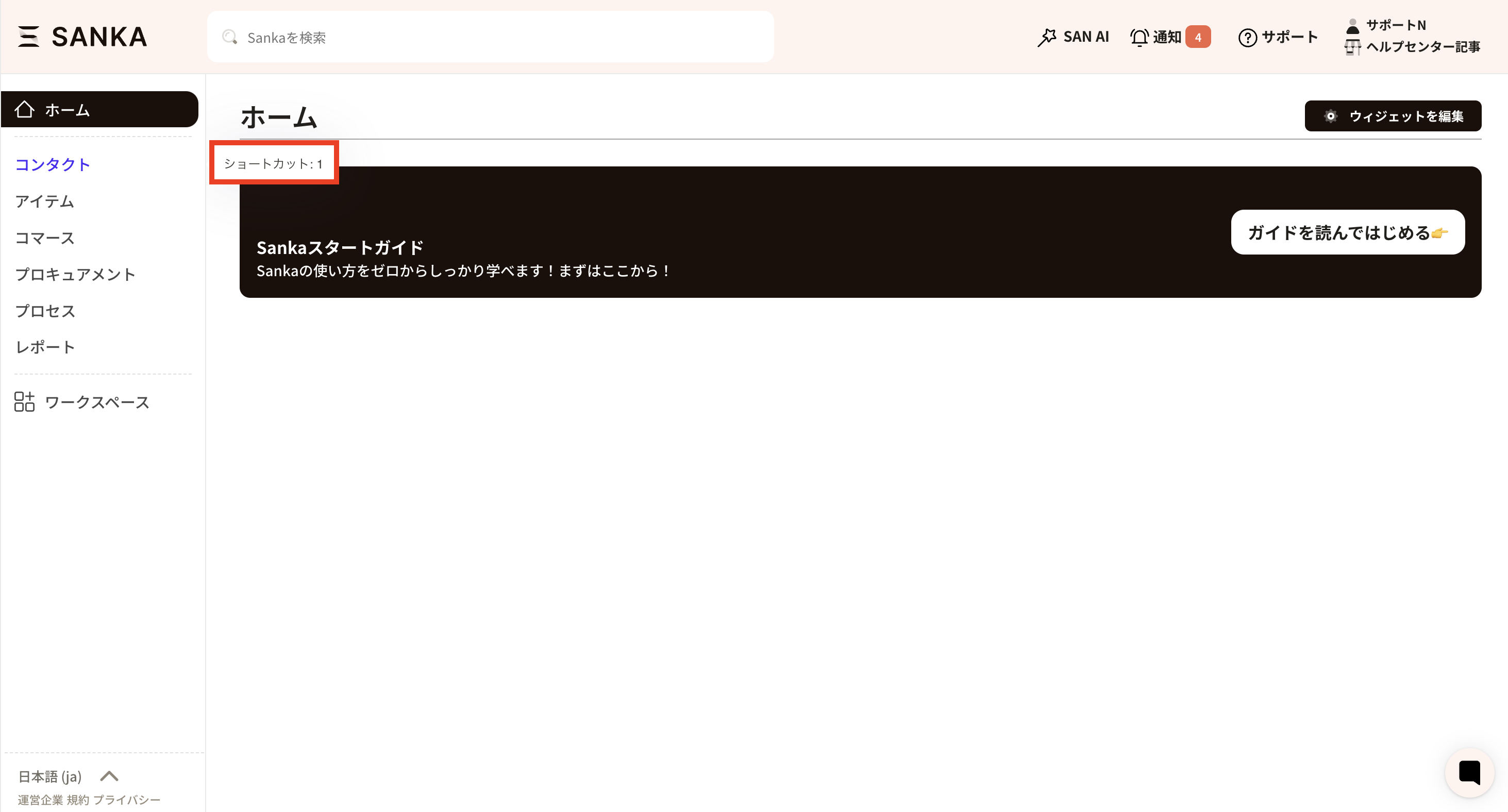 Objects are also numbered sequentially from the top as 1, 2, 3, 4, 5, and so on. Even if the order is changed, the numbering is counted from the top. For example, in the Sanka screen below, to open the company object in the Contact module, press shortcut key 1-1.